The user that connects the integration with Control-C has to have either Subscriber, Standard or Adviser level user permissions. The API essentially works on behalf of the user that authorised it to connect.
You can check if you have access simply by checking in Xero
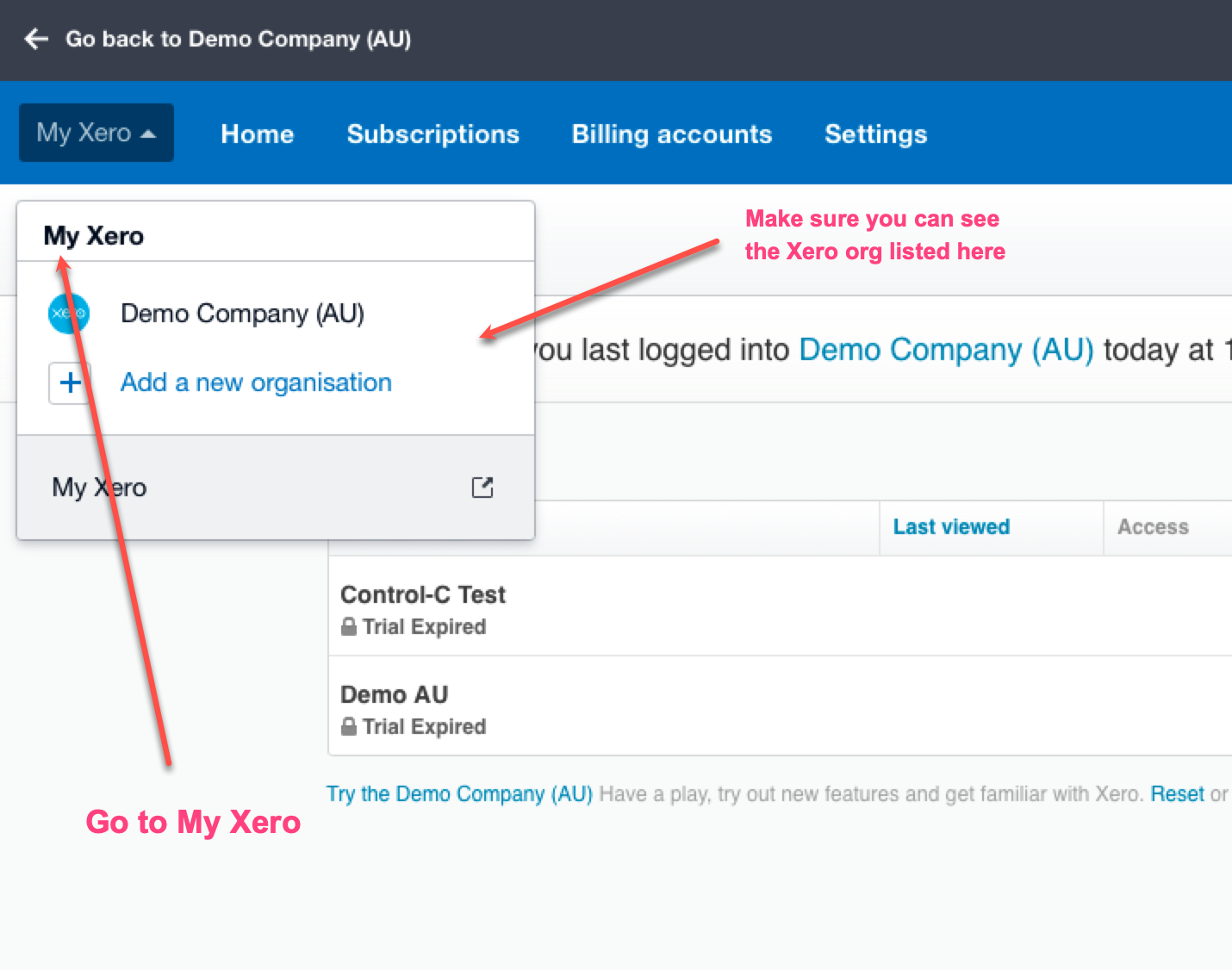
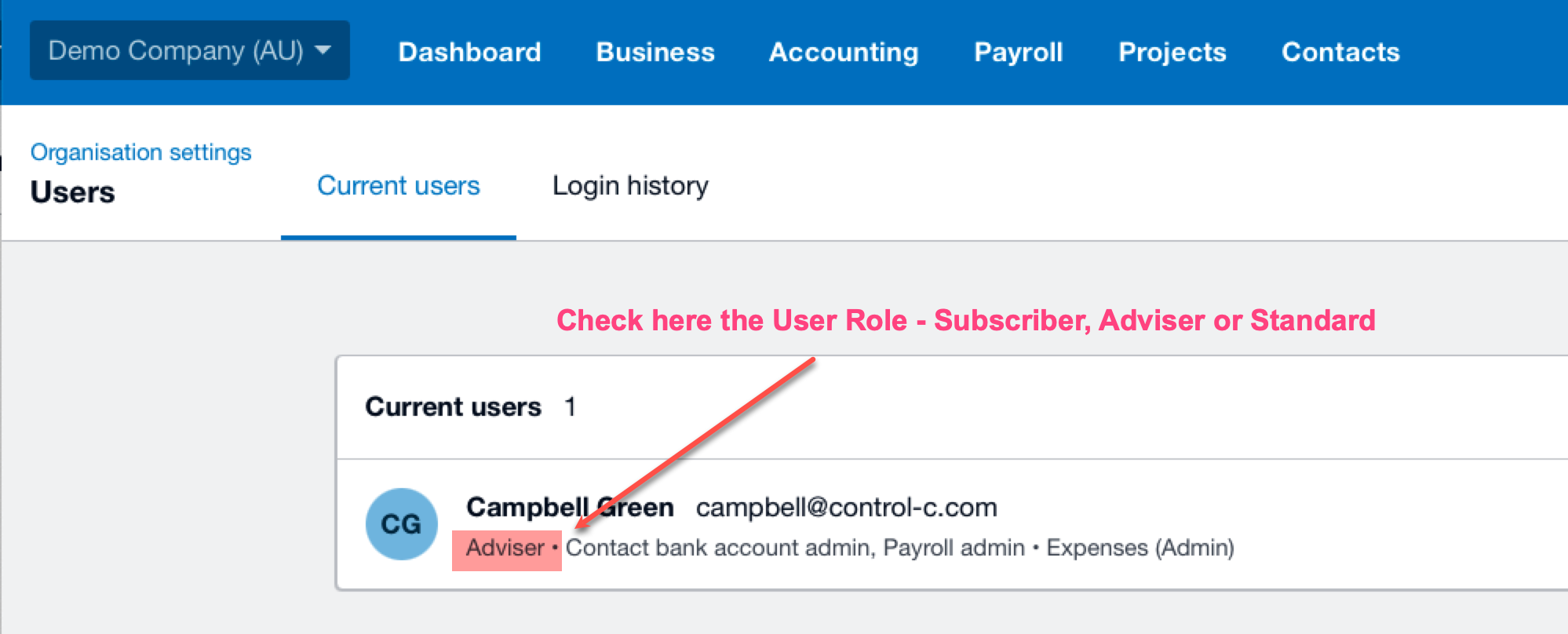
To change a user's role or permissions in Xero:
- Click on the organisation name, select Settings, then click Users.
- Click on a user, or select Change permissions.
- To add access to a feature (eg Projects or Expenses), select the checkbox for that feature.
- To change the user's role for a feature, click the new role.
API Info
https://developer.xero.com/faq/permissions
User roles and permissions in Xero Business edition
https://central.xero.com/s/article/User-roles-and-permissions-in-Xero-Business-edition-NZ